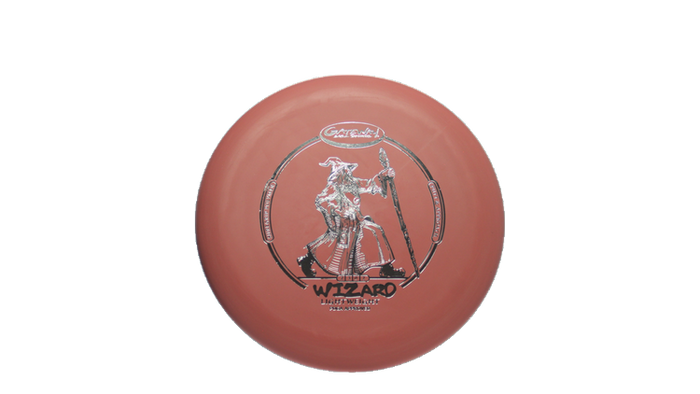
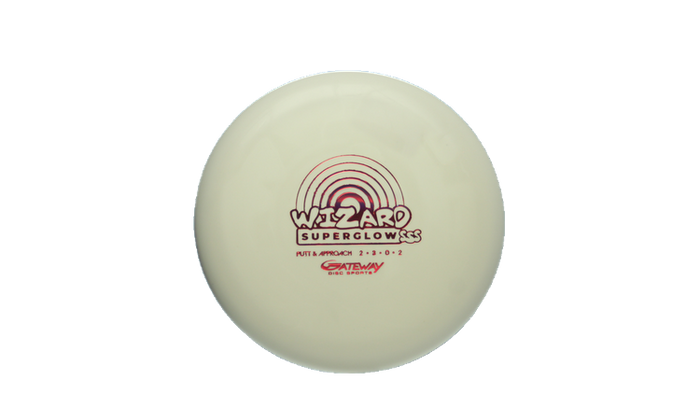
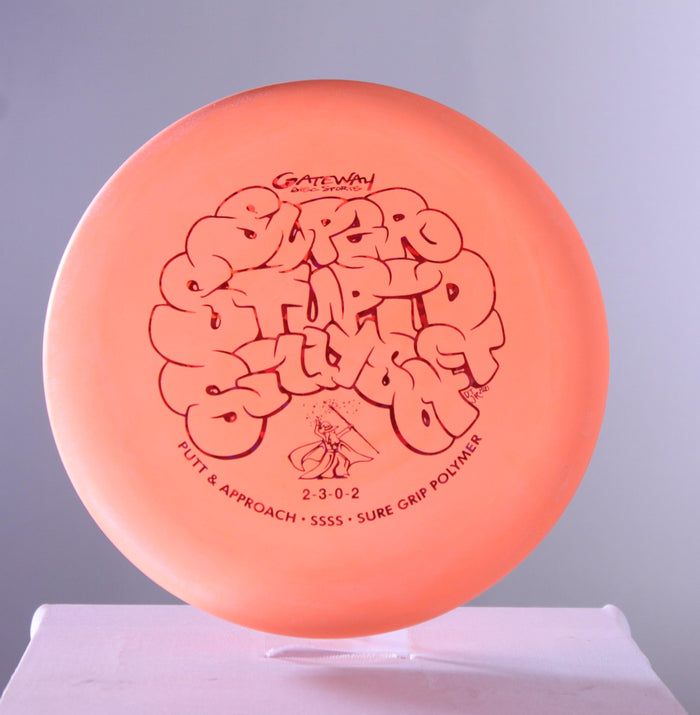
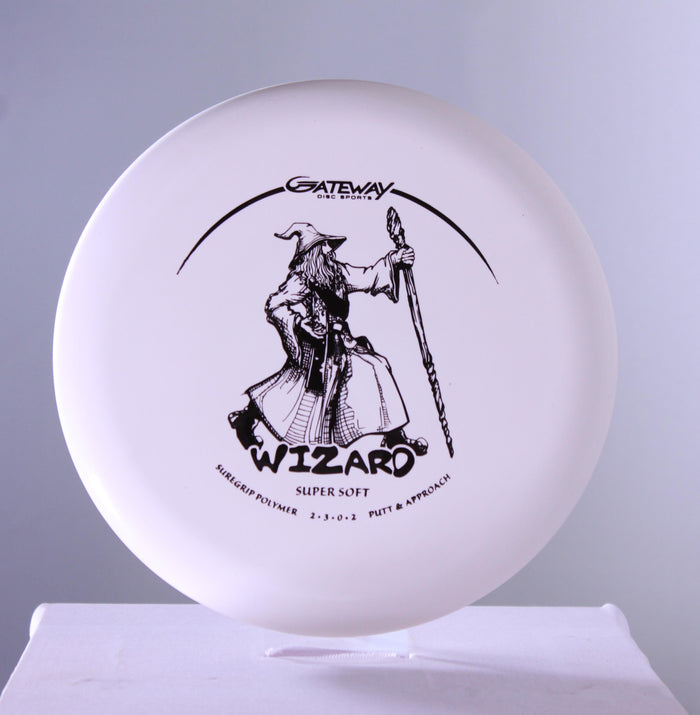
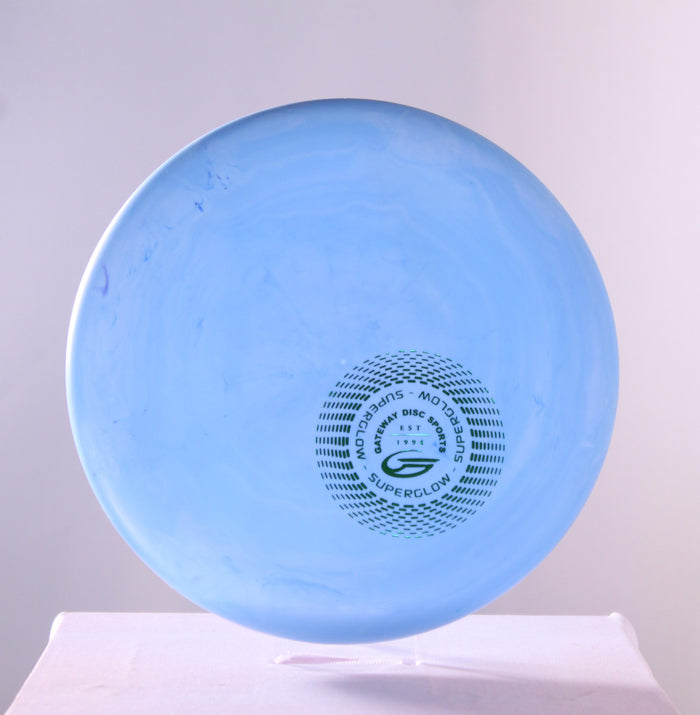
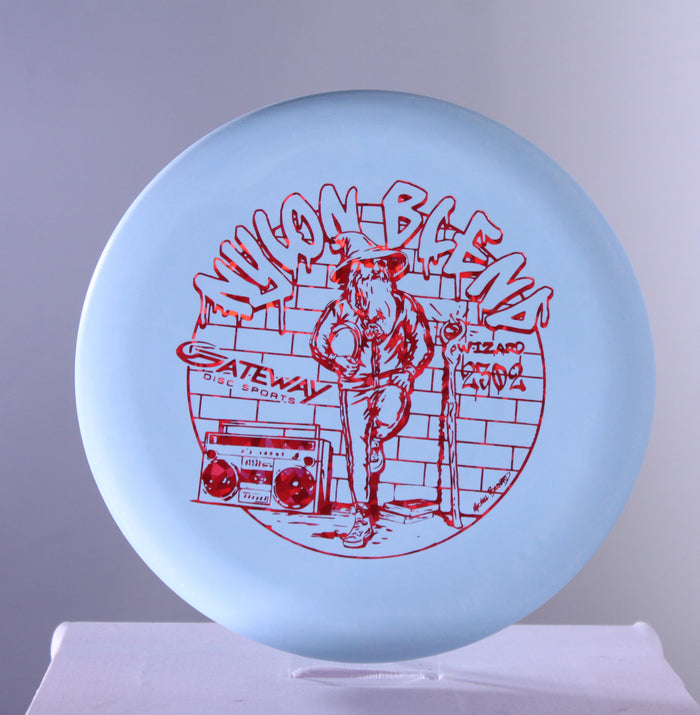
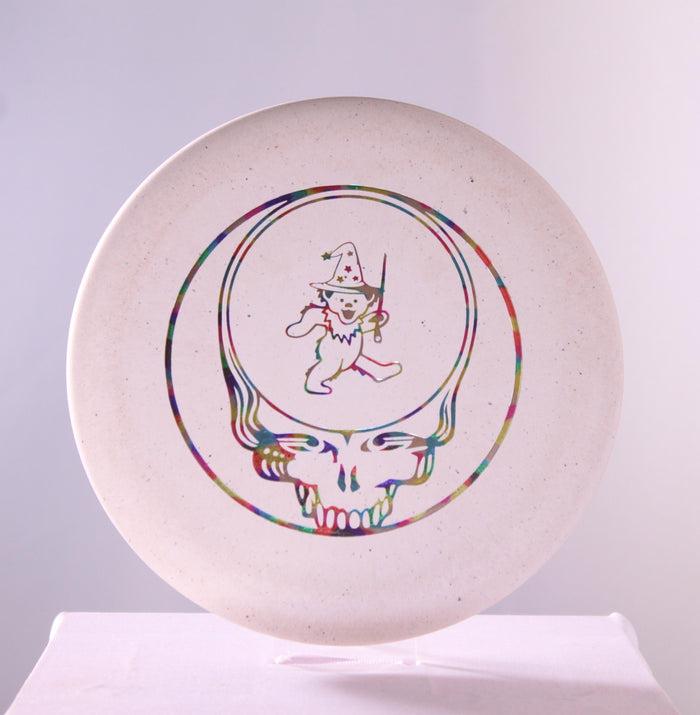
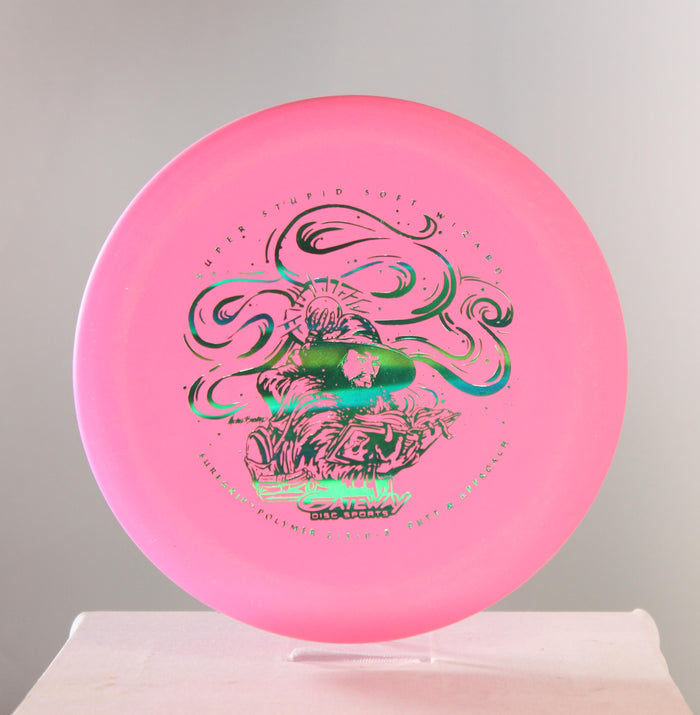
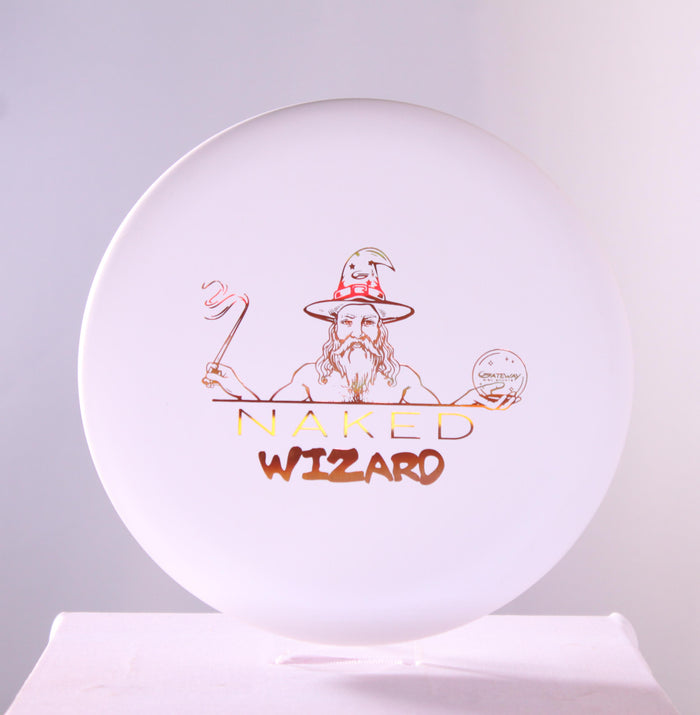
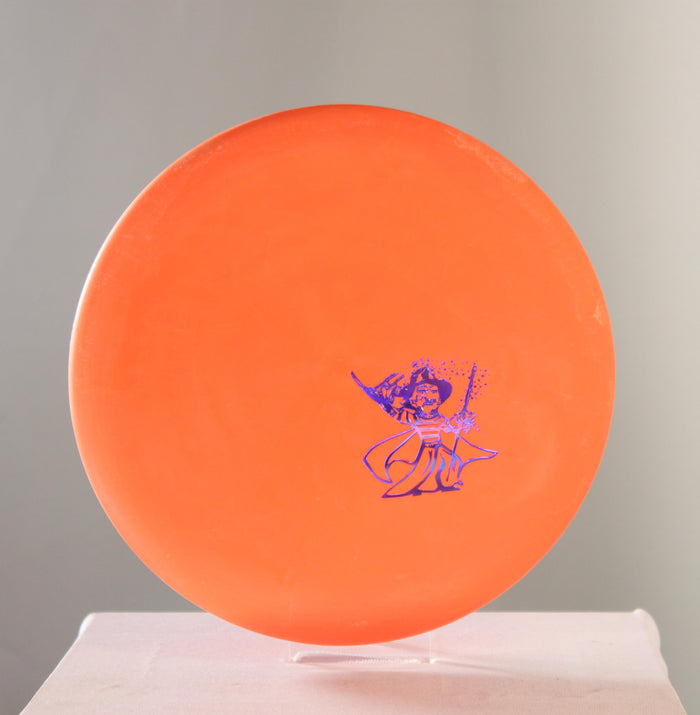
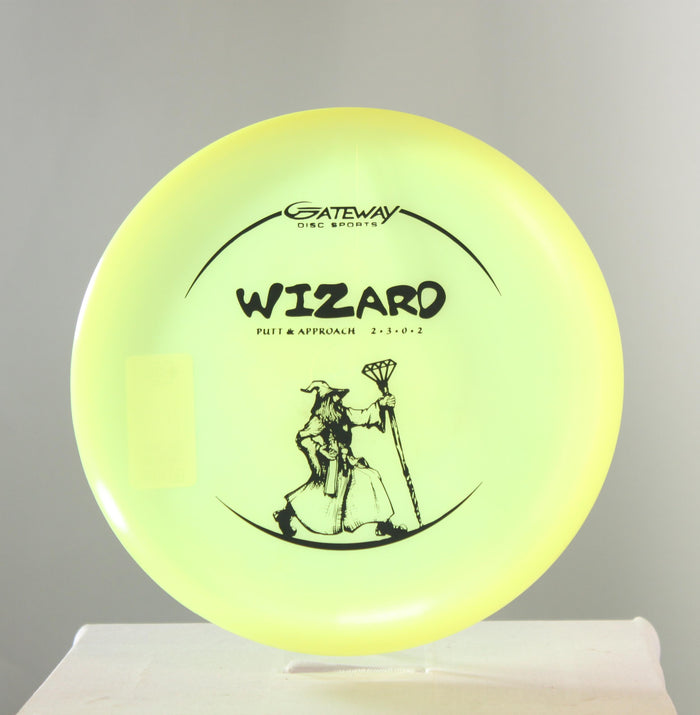
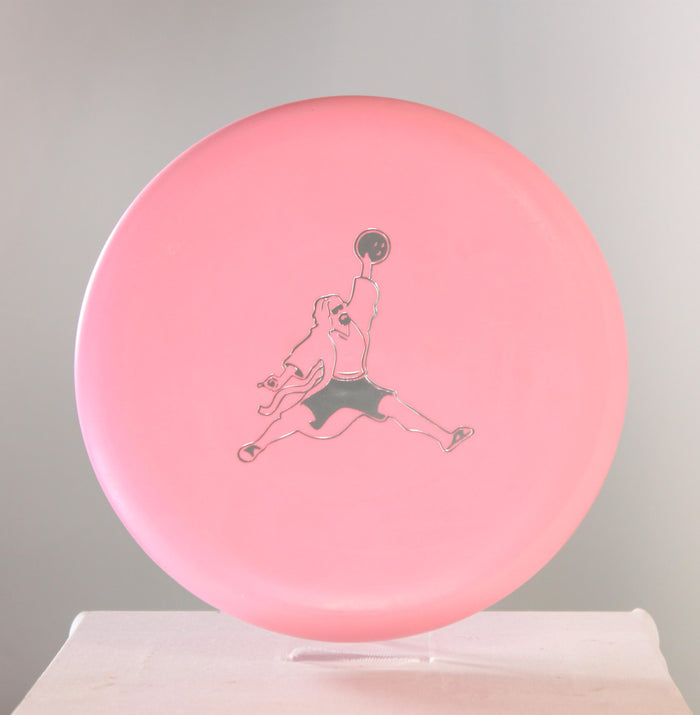
Gateway Training Wizard Putter




 Sold out
 Sold out
 Sold out
 Sold out
 Sold out
 Sold out
 Sold out
 Sold out
 Sold out
 Sold out
 Sold out
 Sold out
 Sold out
 Sold out
 Sold out
 Sold out
 Sold out
 Sold out
 Sold out
 Sold out
 Sold out
 Sold out
 Sold out
 Sold out
 Sold out
 Sold out
 Sold out
 Sold out
 Sold out
 Sold out
 Sold out
 Sold out
 Sold out
 Sold out
 Sold out
 Sold out
 Sold out
 Sold out
 Sold out
 Sold out
 Sold out
 Sold out
 Sold out
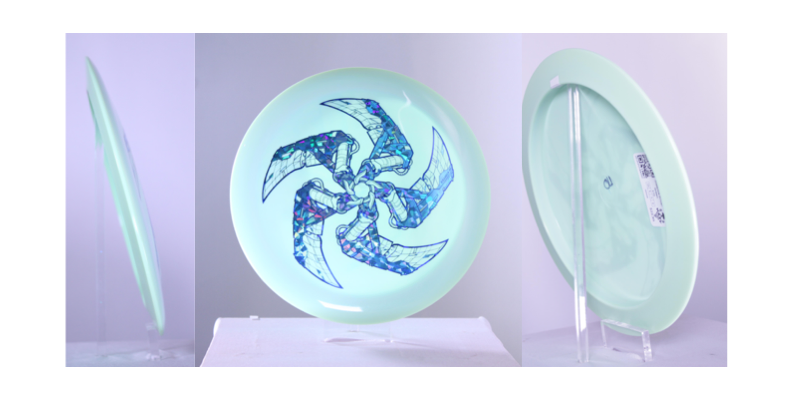
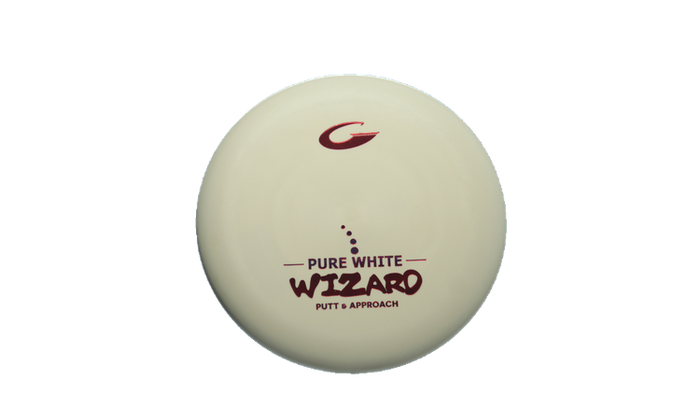
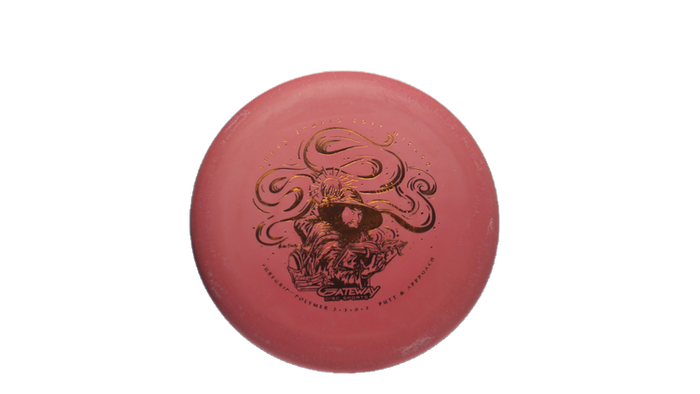
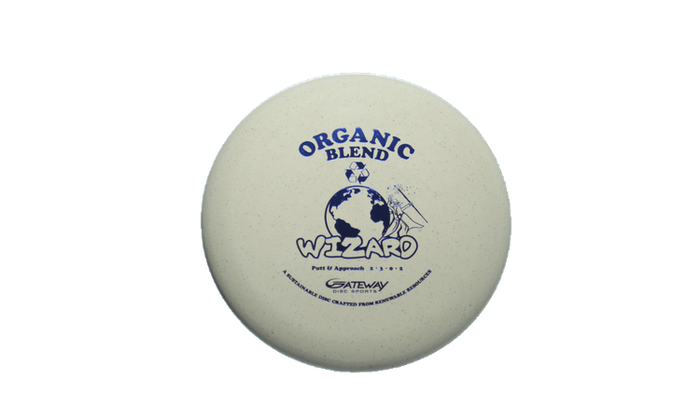
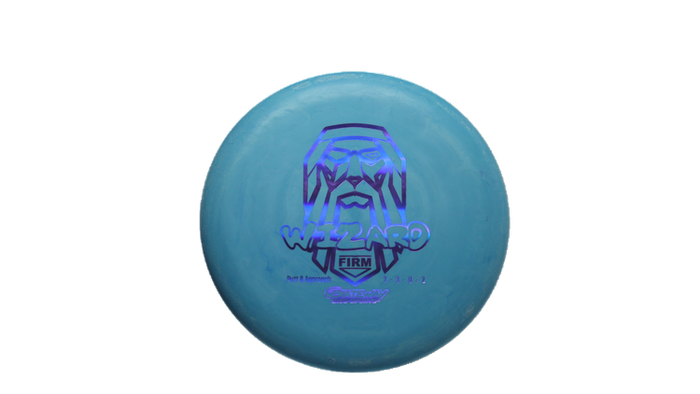
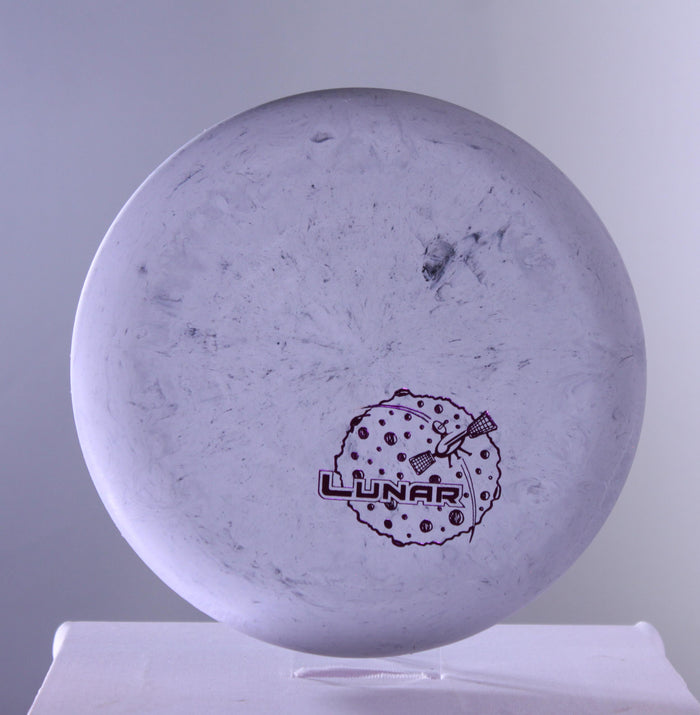
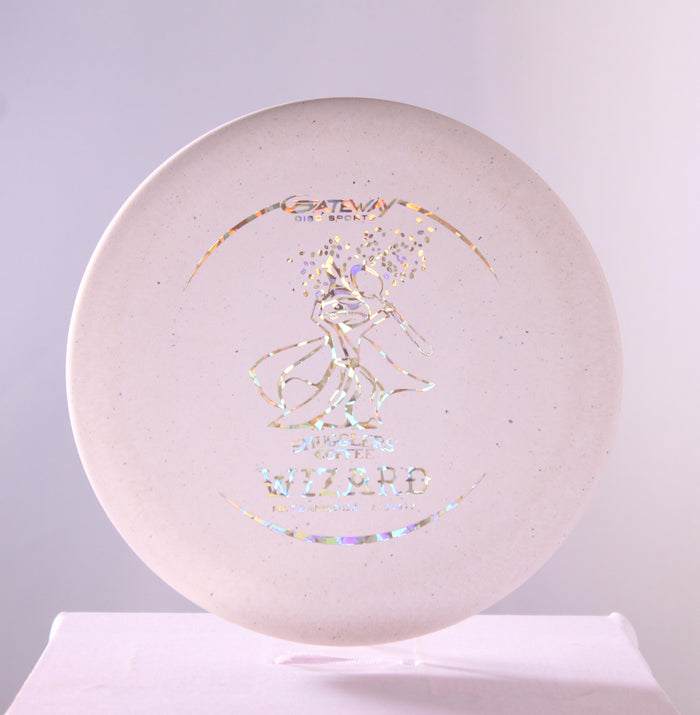
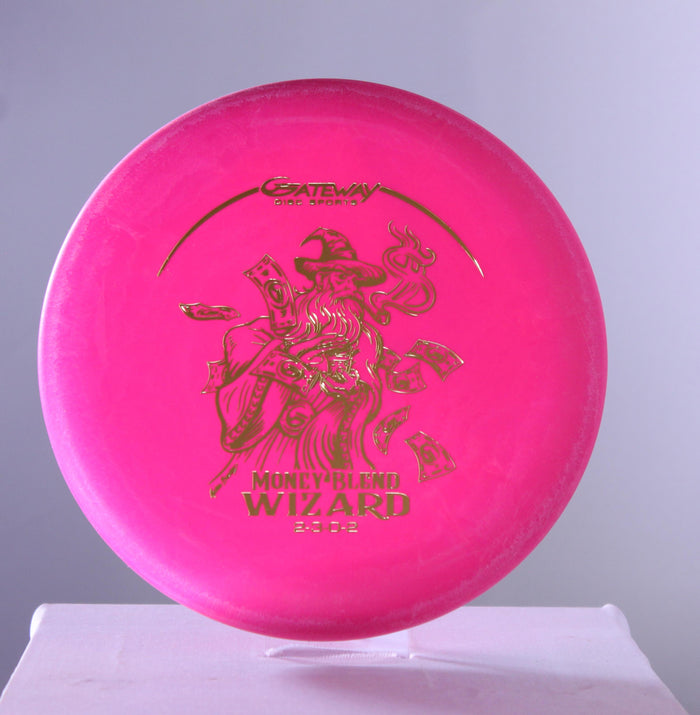
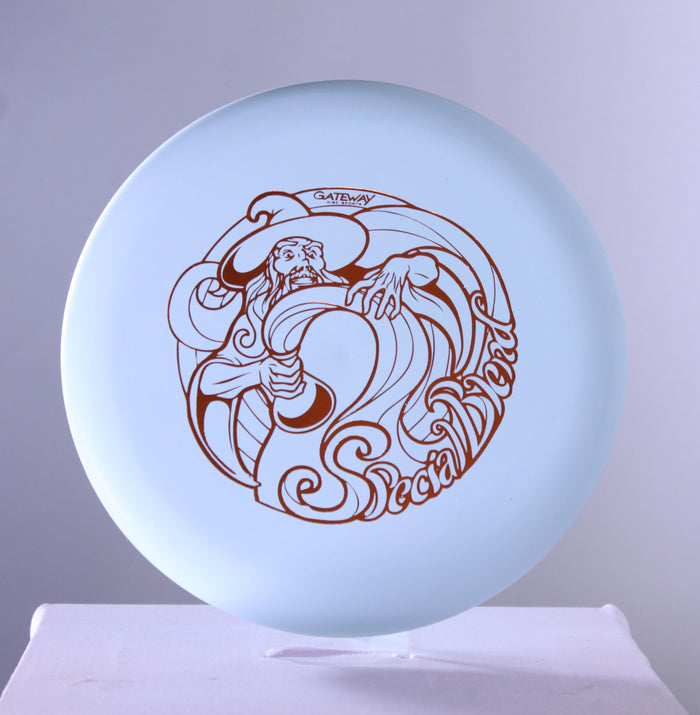
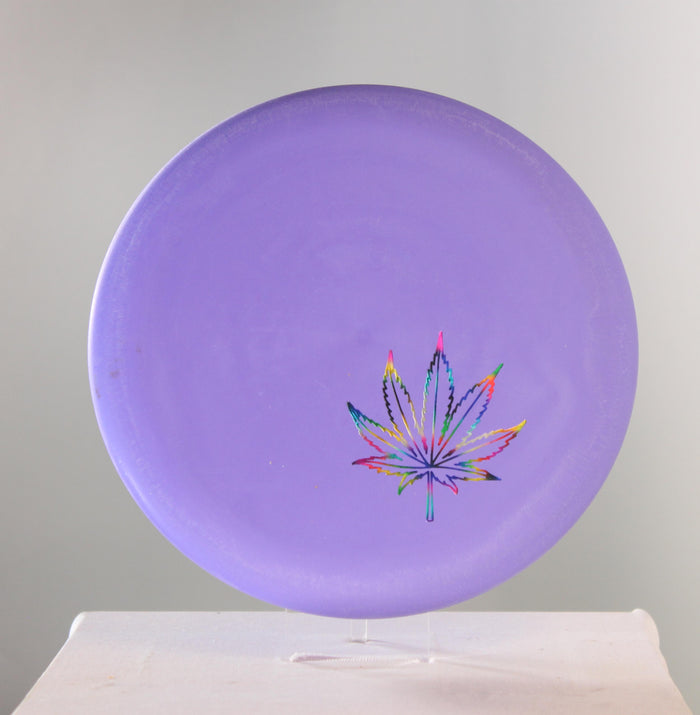
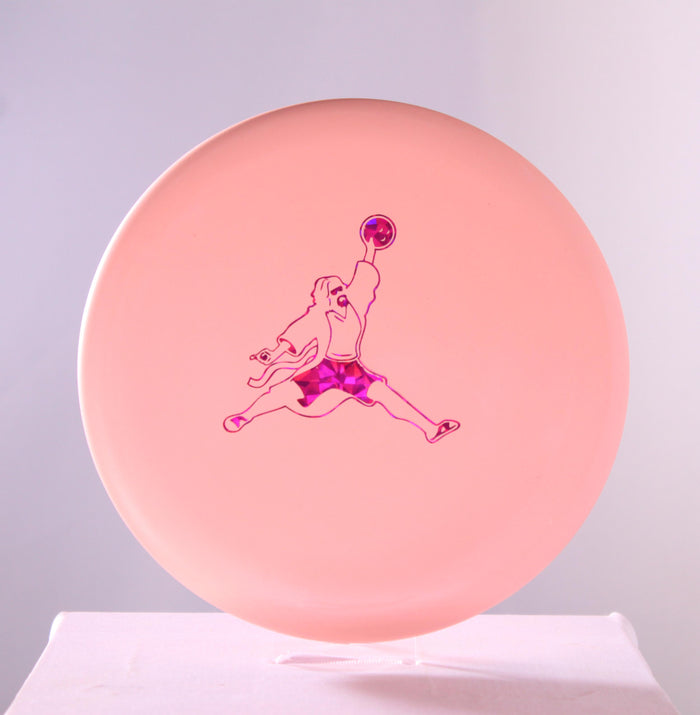
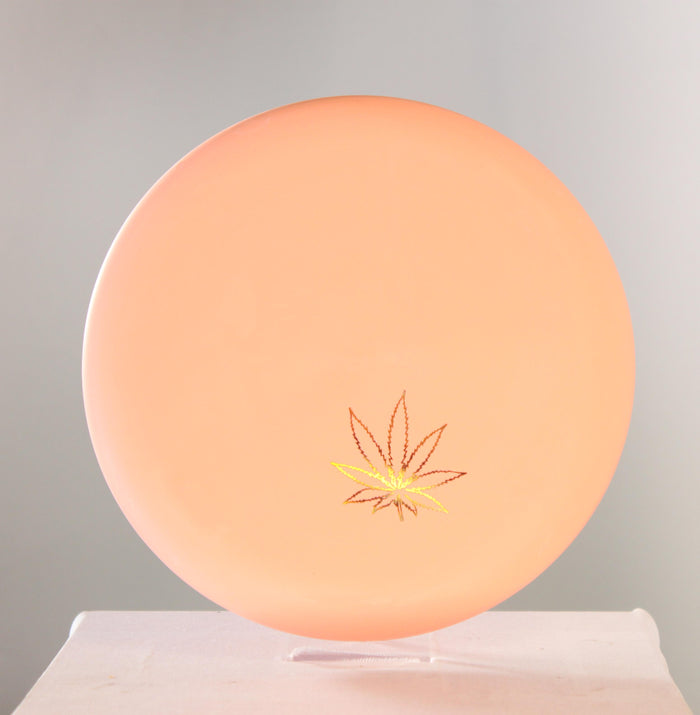
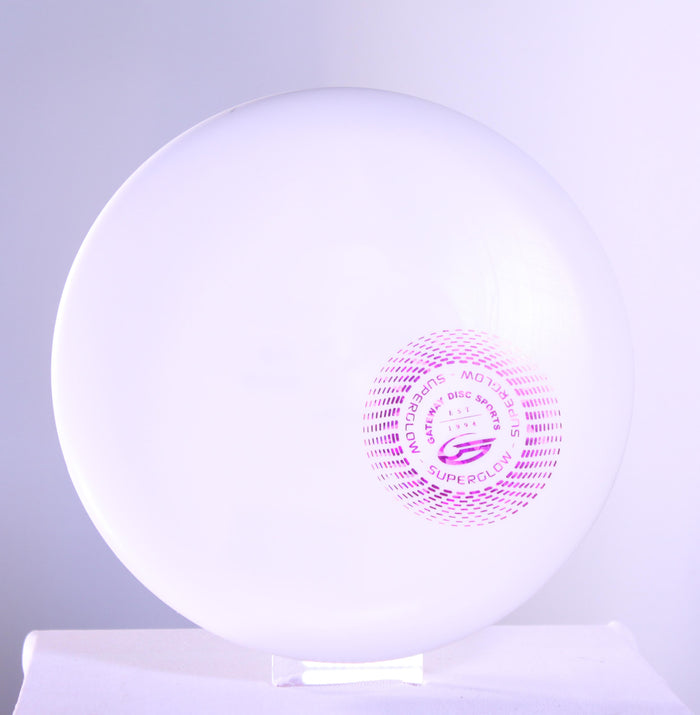
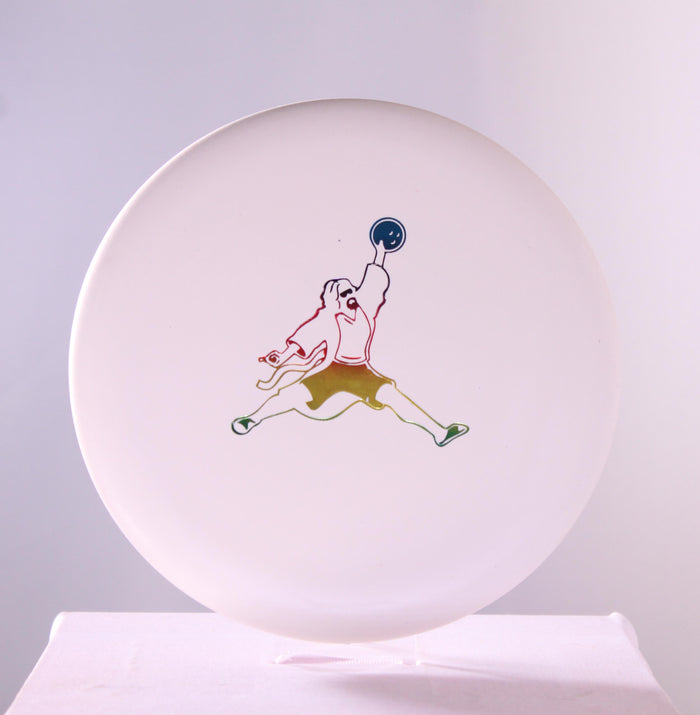
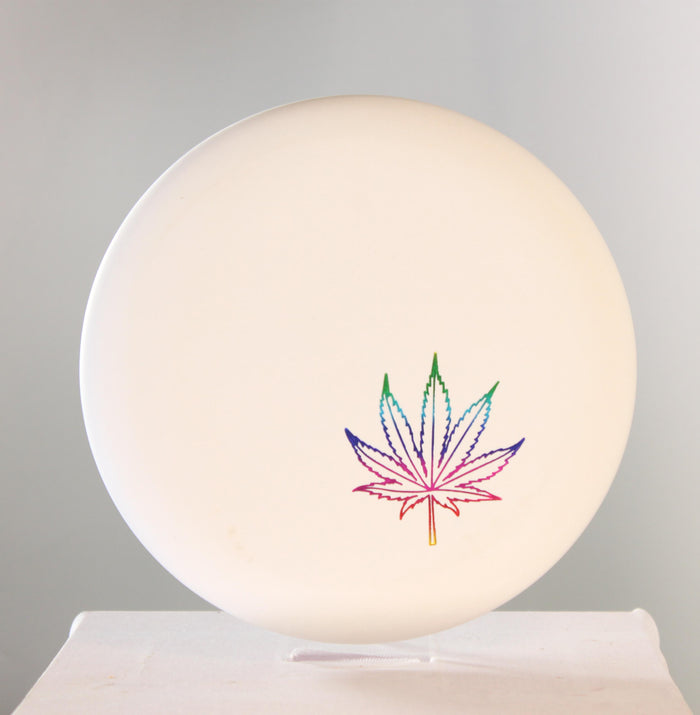
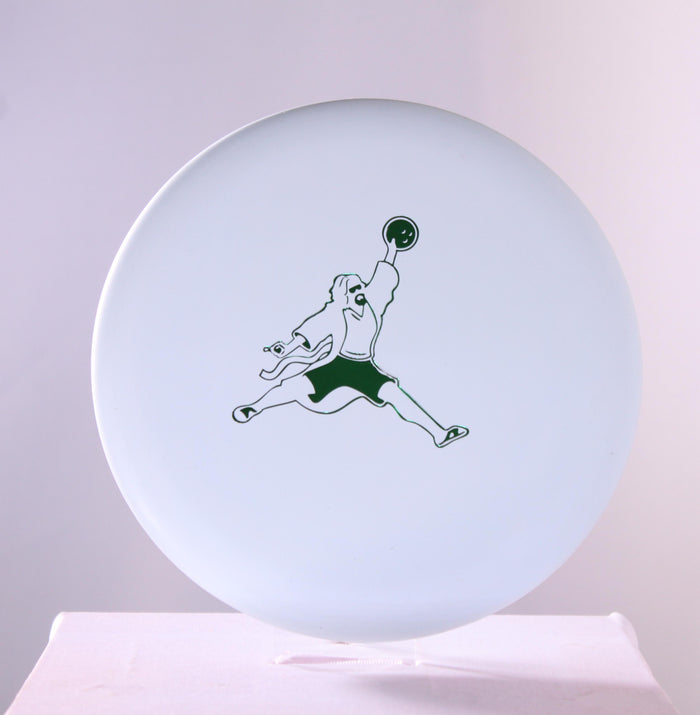
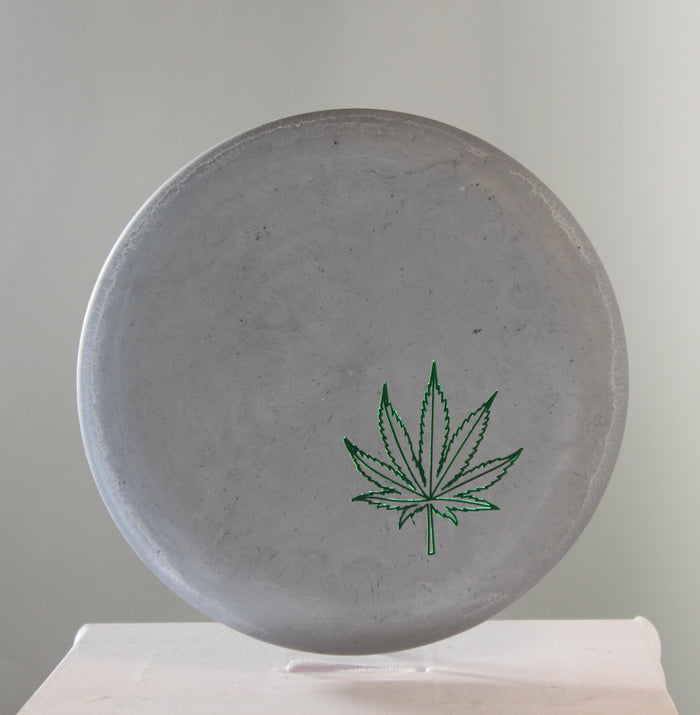
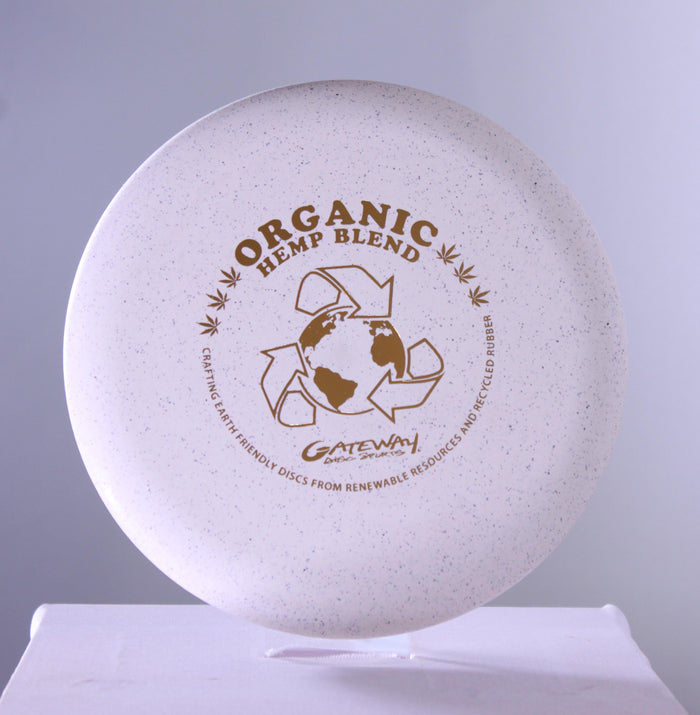
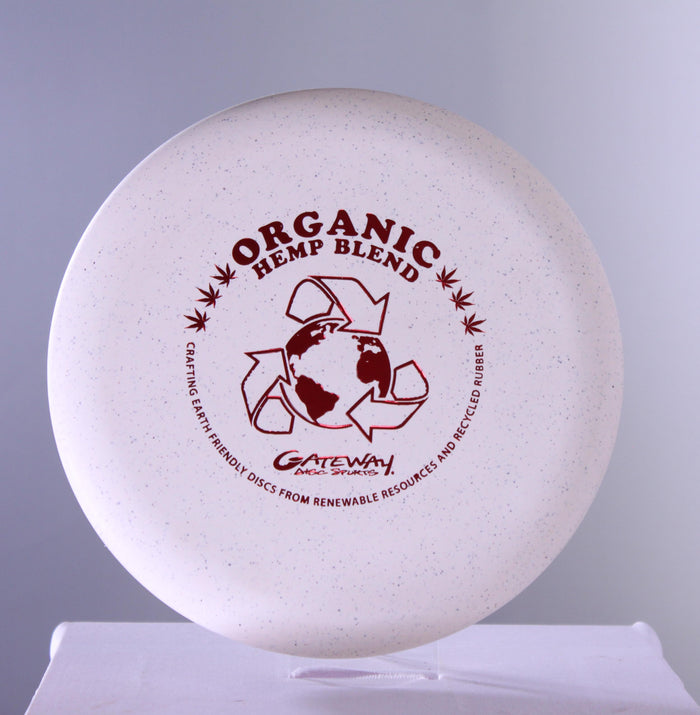
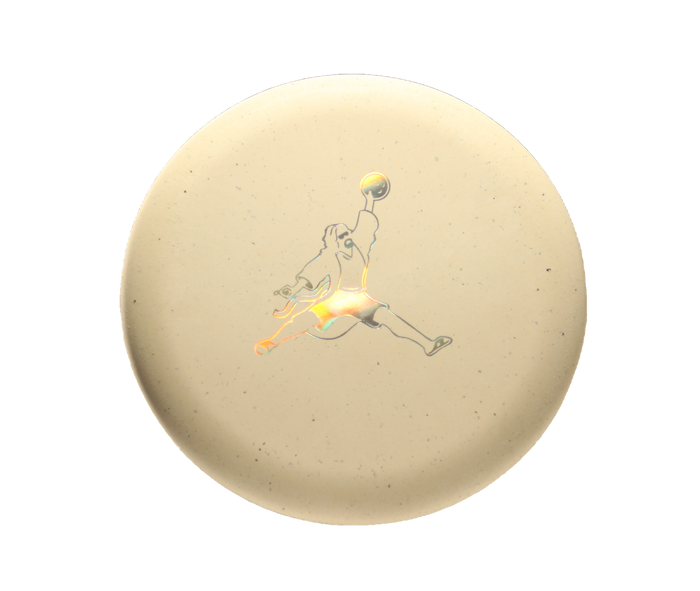
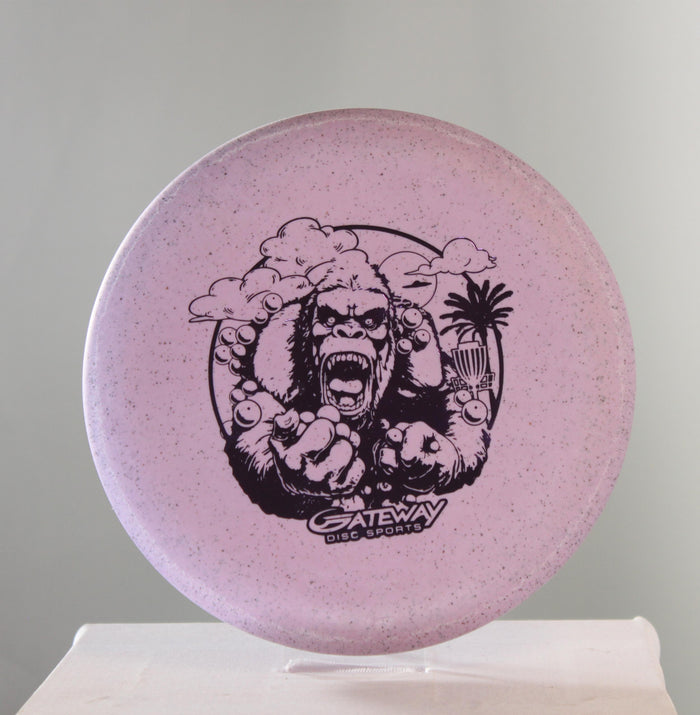
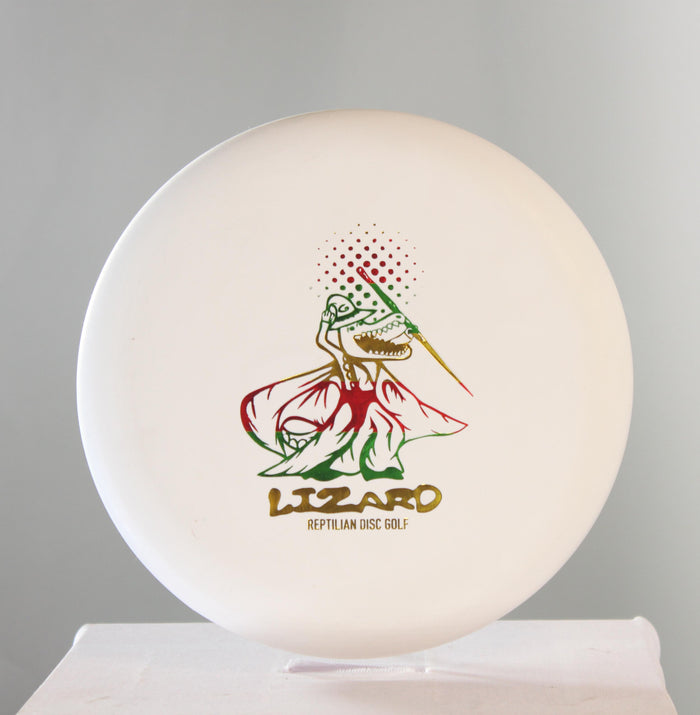
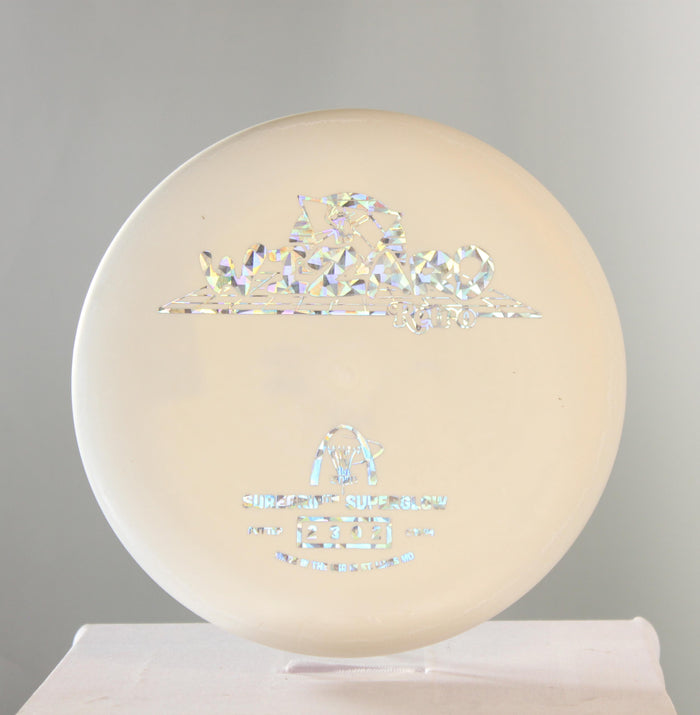
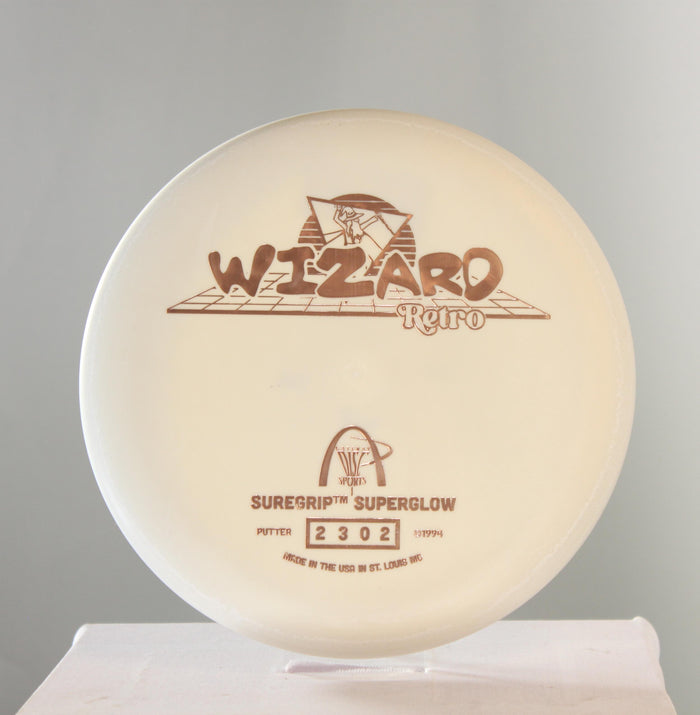
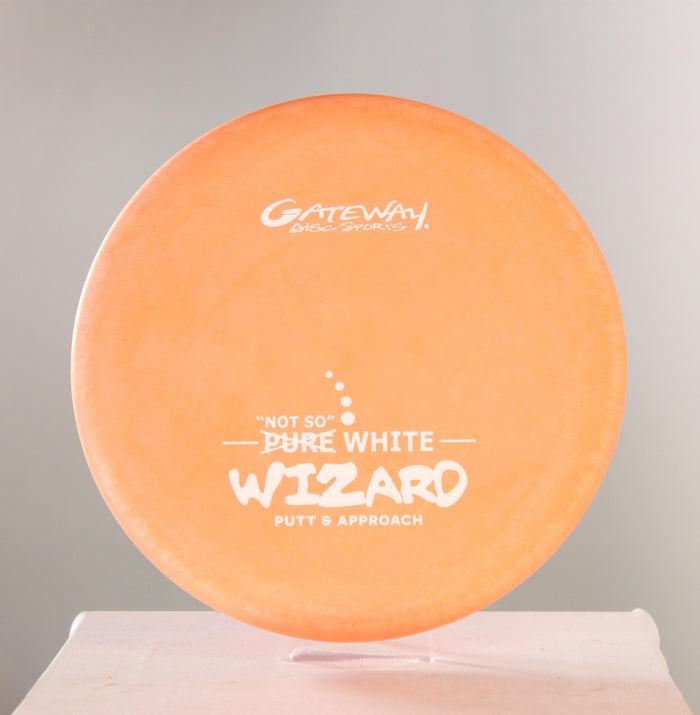
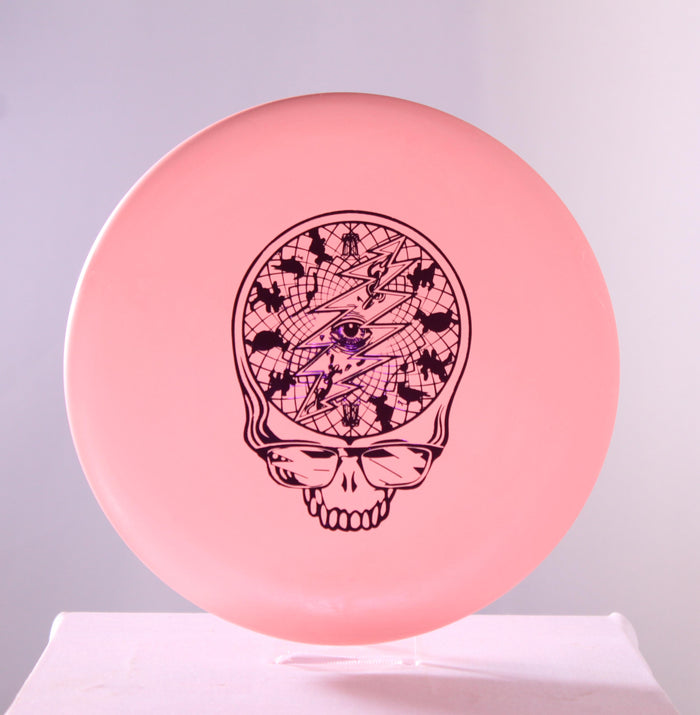
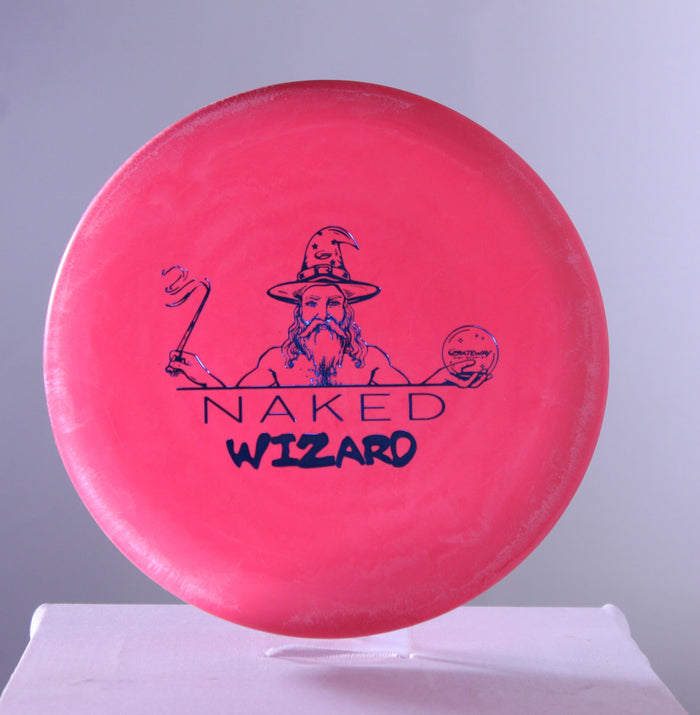
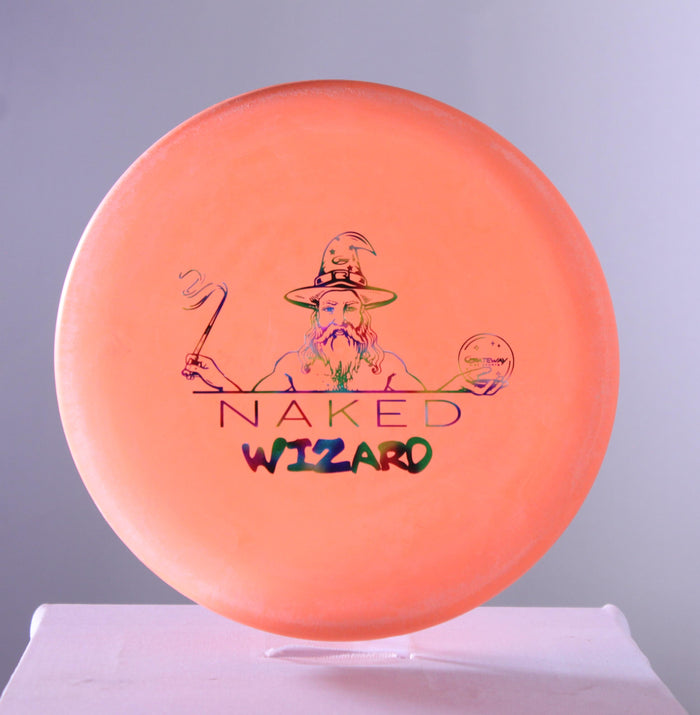
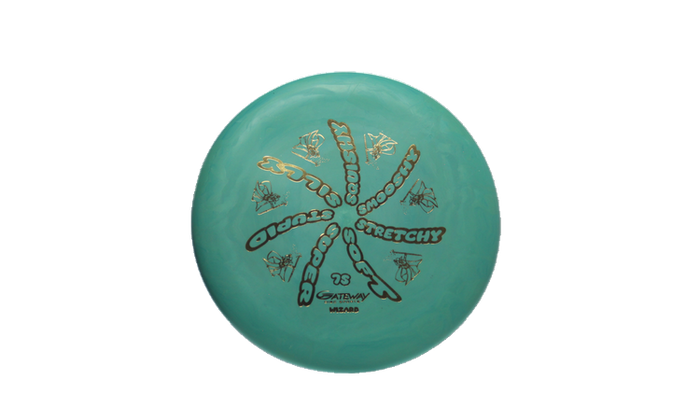
We offer 3 high quality images of each disc, including a front, back, and profile. No missing a swirl or guessing if it's flat. The disc you select is the disc we ship.

Our inventory contains everything from the trendiest discs and accessories to rare items you won't find anywhere else. If you're looking for a specific disc or are just starting out in the sport and want to learn more, reach out, we can help.
All discs ship bagged & boxed for $4.95. Free shipping on $70+ or choose Local Pick-Up and we will have it ready when you get here!